
Modules and lessons
Video, audio, text, quizzes, assignments and slides. Drag them into the order you want, and participants see the whole course before they start.
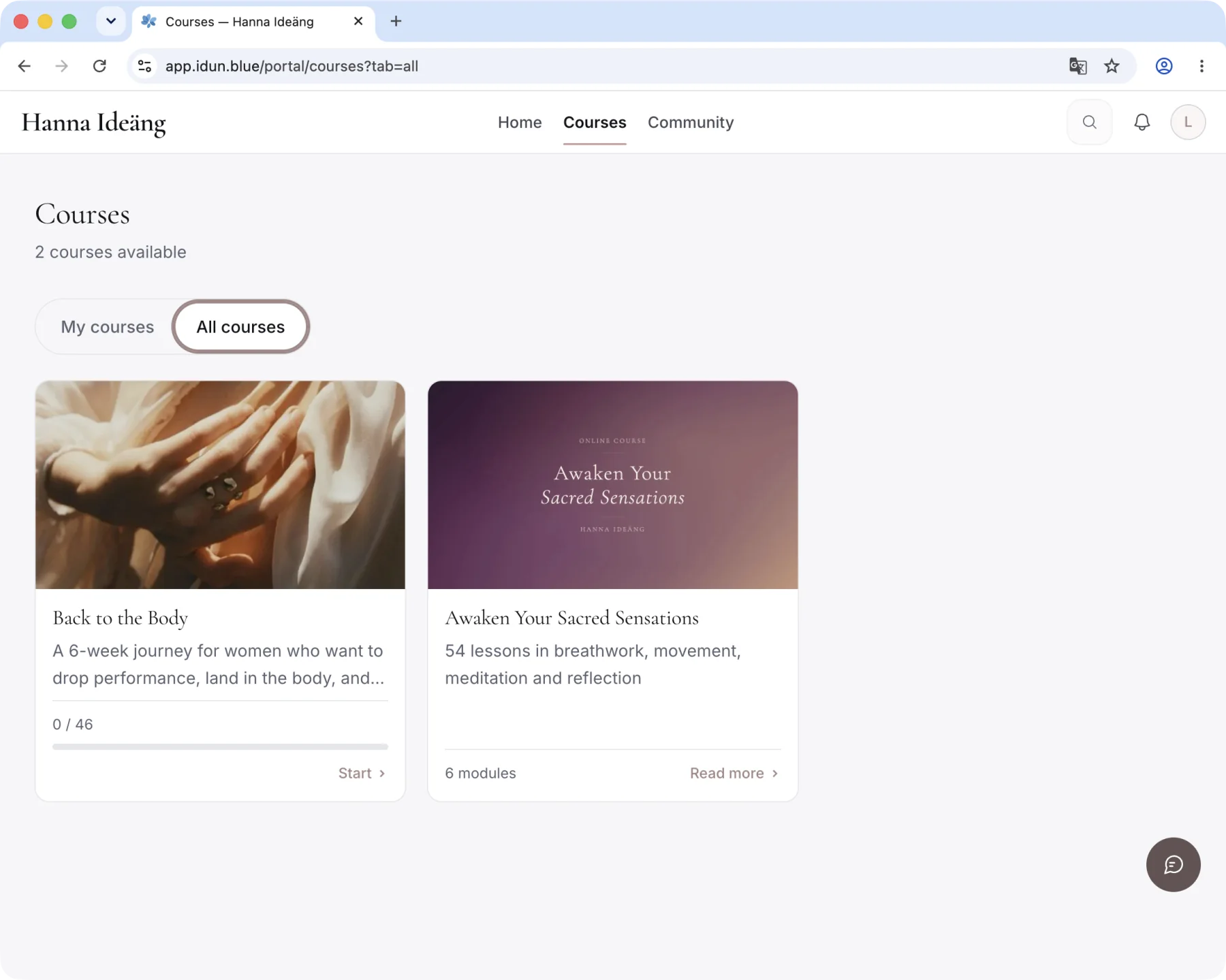
Buyers are in the course the moment they’ve paid. A participant can start on her phone, switch to her laptop and pick up at the same second of the video.
Start building freeIncluded and switched on from the start. See the price and everything else included
What the course looks like to a participant
Video, audio, text, quizzes, assignments and slides. Drag them into the order you want, and participants see the whole course before they start.
A module or lesson can open a set number of days after someone joined, on a fixed date, or once she has finished the previous lesson.
What you say in the video is transcribed and shown as subtitles in the player.
Quizzes inside the lessons, and a certificate in the participant’s name when she completes the course.
The clock starts for each participant, so someone who joins in March gets the same pace as someone who joined in January.
A locked lesson shows only its title until it opens.
The video adjusts to the connection, so it doesn’t stutter on a phone, and your original is kept. Upload several recordings to a module at once and each video becomes its own lesson. Audio lessons work the same way.
Swedish accounts use KB-Whisper, a model trained on Swedish speech that we run ourselves, and English accounts use a multilingual model. From the text, Idun AI can draft the lesson summary, key points, a reflection question and quiz questions.
A quiz has multiple-choice questions, a pass mark and a set number of attempts, and you can see who passed. More about quizzes.
Certificates are switched on under Settings → Features. The participant gets hers as a PDF in her name when she completes the course, and anyone can check it’s genuine. More about certificates.
The course opens in the member app, under /portal on your own domain. It’s built for the phone, and iPhone users can also use the Idun Blue app. More about the member app.
You build the course in Studio, and you can add a new lesson from your phone.
A course can have its own room in the community, and buyers are added to it automatically. The purchase starts your welcome emails and automations, and how far she has got shows on her timeline next to purchases and email.
The first 100 pay half price, €99/month excl. VAT. Build free for 30 days, no card.